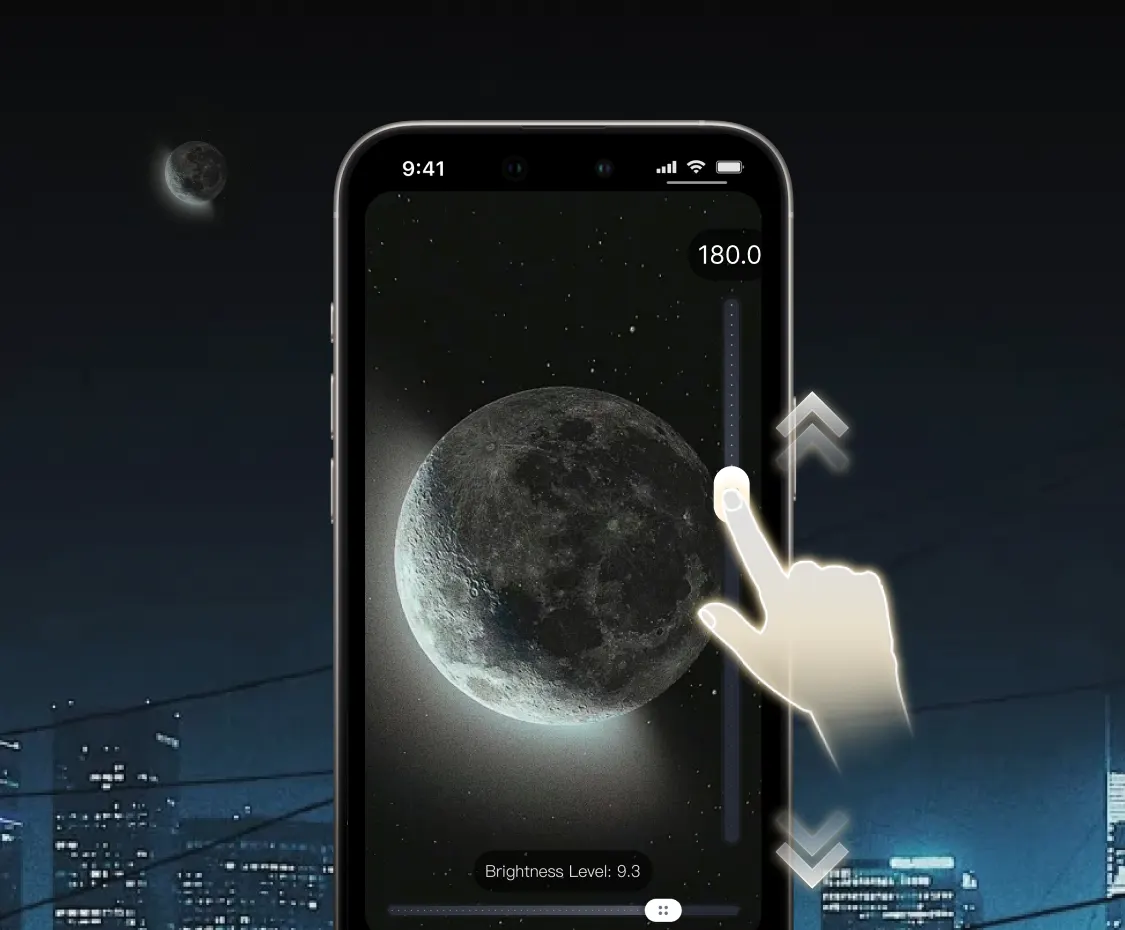
What does 200x zoom mean on a phone?
At normal view, a phone uses one of its physical camera lenses. As you increase zoom, the camera may switch between lenses, crop the sensor image and enlarge the remaining area. A 200x app setting continues that digital enlargement far beyond the phone's standard camera interface.
The result can make a distant subject much larger on screen. It is useful for locating and composing a subject, but magnification and resolved detail are not the same thing. A dedicated optical telescope can gather more light and resolve finer detail because it has larger physical optics.
Five things that affect high-zoom quality
- Phone hardware: a device with a telephoto lens starts with more real optical reach.
- Light: daylight usually produces more detail and less noise than a dark scene.
- Movement: tiny hand motion becomes dramatic at high magnification.
- Atmosphere: heat shimmer, haze and humidity soften very distant scenes.
- Focus and exposure: a bright moon needs different settings from a daytime landscape.
A steadier way to use 200x zoom
Do not begin at the maximum. Start around 10x, center the subject and increase zoom in steps. This prevents the subject from disappearing outside the narrow field of view.
Use two hands and keep your elbows close to your body. When possible, rest the phone against a fixed surface or use a tripod and phone clamp. Trigger the capture gently so pressing the screen does not move the frame. For movement, a short video often gives you more usable moments than a single photo.
Subjects that work well
- Bright, high-contrast objects such as the moon
- Daylight architecture, signs and skyline details
- Boats, aircraft and birds against a clear background
- Distant landscapes in dry, clear air
Low-contrast subjects in darkness are harder because digital zoom also enlarges noise and blur. If the scene looks soft at 50x, increasing to 200x will make it larger but rarely sharper.
Common questions
Is 200x zoom optical or digital?
In ZoomCam it is a digital zoom control. The app uses the camera output available from your phone; it does not change the physical optics.
Which phone works best?
A modern phone with a dedicated telephoto camera, good stabilization and strong low-light performance generally provides a better starting image. ZoomCam also works on phones without a telephoto lens, but results will differ.
Can I record video at high zoom?
Yes. ZoomCam includes telescope-style video capture. Keep the device supported and follow the subject with slow movements.
Avoid using extreme zoom where privacy or safety could be affected. Never aim a camera at the sun without certified solar equipment.